Step-by-Step Guide: How to List Your Dharamshala or Hotel on BookingDham and Start Getting Bookings
admin ⦁ 02 March 2026 ⦁ 8:30 min read
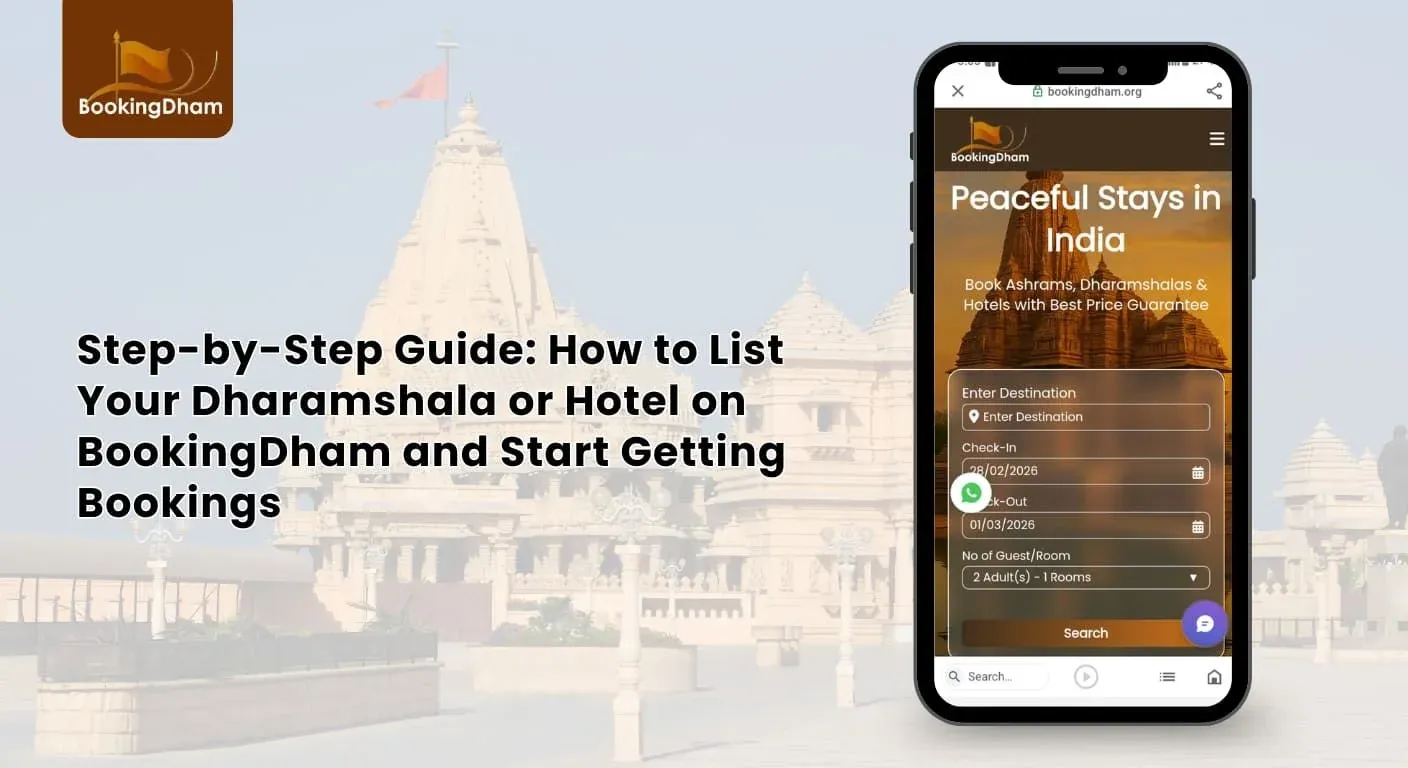
Introduction - Why listing on a niche platform matters
If you own a dharamshala or small hotel near a temple, listing it on a focused religious travel platform like BookingDham can significantly increase your visibility among pilgrims and spiritual travelers. Unlike general hotel websites that target all types of tourists, a temple-focused platform connects you directly with devotees who are actively searching for accommodation near specific religious destinations. This means your property reaches the right audience at the right time.
In simple terms, the process involves contacting the partner team, sharing your property details and photos, submitting basic documents for verification, and going live after approval. Once listed, your dharamshala or hotel can start receiving direct booking inquiries - especially during peak pilgrimage seasons. With proper listing optimization, fair pricing, and quick responses, you can turn empty rooms into consistent income while serving travelers on their spiritual journey.
BookingDham - What You Need
Before listing your dharamshala or hotel, keep these ready for a smooth and fast approval:
- Property name & full address (with landmark)
- Room details (types + total rooms)
- Standard & festival pricing
- 5–8 clear, daylight photos (room, bathroom, entrance, nearby temple)
- Ownership/lease proof + government-issued ID
- Bank details for payouts
- Short 2–3 line description highlighting temple proximity and key facilities
Step-by-Step Listing Process
Listing your dharamshala or hotel is simple when you follow a clear process. Below is a refreshed and more structured breakdown to help you understand each stage easily.
Step 1: Contact the BookingDham Team
Reach out to start your free listing:
- Website: Visit bookingdham.org and use the Contact Us / List Your Property form
- Phone/WhatsApp: +91 75748 20252 or +91 99980 01918
- Email: support@bookingdham.org
Share basics: property name, location (city + nearest temple), number of rooms. The team will explain zero-commission terms, guide you on photos/docs, and start onboarding. Expect quick, supportive responses.
Step 2: Submit Property Details & Photos
Provide detailed, accurate info:
- Clear title (e.g., “Peaceful AC Dharamshala – 5 Min Walk from Shri Ambaji Temple”)
- Exact address + directions from station/bus stand
- Room categories, capacities, and pricing (normal + festival)
- Amenities list (Wi-Fi, parking, hot water, veg food, pickup, etc.)
Upload bright, clutter-free photos taken in daylight. Quality images build trust and boost bookings dramatically.
Step 3: Upload Documents for Quick Verification
Submit clear scans to speed verification and get your listing live quickly.
Required uploads
- Proof of ownership or lease - clear, uncropped PDF or JPEG of title deed or valid lease.
- Bank account details - account name, account number, IFSC/branch (or local equivalent) for payouts.
- Optional but helpful: GST registration, fire-safety certificate, local permits - upload if you have them.
Step 4: Listing Setup & Optimization
Once approved, the team helps you go live with a professional listing. This includes:
- Creating a structured and attractive property page
- Writing a clear and engaging description
- Adding house rules and cancellation policies
- Setting check-in and check-out timings
- Configuring room types and pricing
- Setting up your availability calendar for live bookings
This ensures your property looks professional and trustworthy to guests.
Step 5: Optimize Your Listing for Maximum Bookings
Before going live, fine-tune:
- Headline: Include temple name + key benefit (e.g., “Budget Stay Near Dwarkadhish Temple – Zero Commission”)
- Description: Highlight exact distance, peaceful vibe, comforts (e.g., free tea, station pickup, prayer mats)
- Pricing: Competitive rates; add festival offers via dashboard
- Policies: Clear, fair cancellation/refund rules
These tweaks improve visibility and conversion rates.
Step 6: Go Live & Manage Easily
Your listing appears on BookingDham.org and the app. Start receiving:
- Direct inquiries & bookings from pilgrims
- Use the partner dashboard to:
- Update availability/pricing in real-time
- Add seasonal offers
- Respond quickly to guests (fast replies = more confirmations)
How Long Does Approval Take?
After you submit your property details on BookingDham, the verification process begins. The approval time mainly depends on how complete and accurate your submission is.
Your listing can be reviewed smoothly when:
- All required documents are uploaded correctly
- Property photos are clear and high quality
- Room details, amenities, and pricing are properly filled
- Contact and bank details are accurate
If any information is missing or unclear, the team may reach out to you for clarification, which can extend the process slightly. During peak pilgrimage seasons or high-demand festival periods, verification timelines may also be slightly longer due to increased property submissions.
Pro Tip
Before clicking submit, take a few minutes to double-check:
- Document clarity (no blurry scans or cropped images)
- Correct file format and proper upload
- Accurate phone number and email
- Correct bank details for smooth payment processing
Small errors can slow down your listing activation. Submitting complete and clear information helps your property go live faster and start receiving bookings sooner.
Pricing & Fees - What to Expect
Listing on BookingDham is owner-friendly and simple:
- Zero commission for owners. Property owners keep their full earnings - there’s no commission taken on confirmed reservations.
- Direct payouts. Payments are sent straight to the property’s bank account on a regular schedule, so you get paid quickly and transparently.
- Free listing & owner tools. BookingDham offers free property signup and provides tools like an availability calendar and an affordable property management system to help you manage bookings.
- Transparent activity & payout reports. You’ll receive clear reports showing reservation activity and payout history so you can track performance easily.
This model works well for dharamshala owners and small hotels because you only pay when you earn.
Practical Tips to Boost Bookings (Simple & Actionable)
Once your listing is live, these small improvements can make a big difference:
- Upload 5–8 high-quality photos (room, bathroom, entrance, dining area, nearby temple view).
- Mention the exact distance from the temple (example: “Just a 5-minute walk from Shri XYZ Temple”).
- Highlight small comforts like:
- Packed breakfast
- Railway station pickup
- Prayer mats or peaceful meditation space
- Keep your cancellation and refund policy clear and fair.
- Respond to guest inquiries within a few hours - fast replies increase trust.
- Adjust rates during festival seasons, but avoid sudden extreme price hikes. Fair pricing encourages repeat bookings.
Consistency and honesty build long-term success.
How Listing Helps Your Business
Listing your property on a temple-focused platform helps in practical ways:
- Targeted Traffic
Your property appears in searches like “dharamshala near [temple name]” or “hotel near temple,” reaching pilgrims who are already planning their trip. - Higher Occupancy During Peak Times
Religious events and festivals bring large crowds. A specialized platform attracts these travelers directly. - Less Marketing Stress
You don’t need to spend heavily on ads. The platform already focuses on promoting temple-area stays. - Easy Management
Through a partner dashboard, you can update room availability, pricing, and offers anytime. - Improved Trust
Verified listings with proper photos and documents increase guest confidence and booking chances.
Onboarding & Support - You’re Not Alone
If you’re not very comfortable with online systems, don’t worry.
Most platforms provide:
- A guided onboarding call
- Step-by-step dashboard training
- Support for uploading photos and documents
- Help with writing descriptions
If you’re unsure whether your images or pricing are suitable, you can ask the support team to review them before going live. Proper guidance at the start helps you avoid mistakes later.
Commonly Searched Questions & Related Keywords
To improve visibility, you can naturally include related phrases in your listing description or FAQ section. Examples include:
- list my dharamshala on BookingDham
- how to list hotel near temple
- online dharamshala booking partner
- dharamshala booking platform India
- hotel listing website in India for temples
- how to get more pilgrims to my hotel
Use them naturally in sentences. Avoid repeating them unnecessarily.
BookingDham - Short Checklist Before You Submit
Before you send your details, confirm these to speed up approval and go live faster:
- Photos: 5–8 clear daylight images (room, bathroom, entrance, prayer/puja area, nearby temple/landmark).
- Proof of ownership: Title deed or valid lease (scanned, readable).
- Owner ID: Owner’s government-issued ID (scanned, legible).
- Bank details: Account name, account number, IFSC/branch (or local equivalent) ready for payouts.
- Short headline & description: 1-line headline + 40–60 word summary highlighting temple proximity and key facilities.
- Rates: Standard rates and festival pricing plan finalized
Conclusion - Start Growing Your Bookings with BookingDham
Listing your dharamshala or hotel on a temple-focused platform like BookingDham is a smart and practical step toward increasing direct bookings. Instead of depending only on walk-in guests or general travel websites, you connect directly with pilgrims who are actively searching for accommodation near temples.
The process is simple: keep your documents ready, upload clear and honest photos, set fair pricing, and respond quickly to inquiries. These small but important steps can significantly improve your visibility and occupancy rate- especially during peak festival seasons.
Religious tourism in India continues to grow every year, and travelers prefer clean, affordable stays close to temples. By listing your property on BookingDham, you position your business where the demand already exists.
If you’re ready to attract more pilgrims and grow your revenue in a steady, sustainable way, now is the right time to take action. Reach out to the BookingDham partner team and begin your listing journey today.
FAQs - About Listing on BookingDham
1. How long does approval take?
Approval usually takes 7–10 business days after submitting complete details and clear documents. If everything is accurate, it may be processed faster.
2. Is there an upfront fee to list my property?
No - listing is free. There’s no heavy upfront charge to get started.
3. Does BookingDham take a commission on bookings?
No - the platform advertises zero commission on bookings, so hosts keep the booking amount.
4. Can I change room rates during festivals?
Yes. You can update pricing, offers, and availability anytime through the partner dashboard.
5. How can I increase bookings?
Use clear photos, write an honest description, keep competitive pricing, and respond quickly to guest inquiries.